Wiki & Guides
Arma Reforger
Military Simulation · Bohemia Interactive
Arma Reforger
Set up your Arma Reforger server: Complete guide with configuration, mods, performance and mission management.
Last updated September 9, 2026 · RespawnHost
On this page
- Arma Reforger Server Hosting
- What This Wiki Covers
- Quick Start
- Server Packages
- Key Technical Details
- Frequently Asked Questions
- Can I run Arma Reforger on a shared hosting plan?
- Do players need to own Arma Reforger to join my server?
- Can I transfer my existing server to RespawnHost?
- Does RespawnHost support Steam Workshop mods?
- What locations are available?
- How do I become a server admin?
Arma Reforger Server Hosting
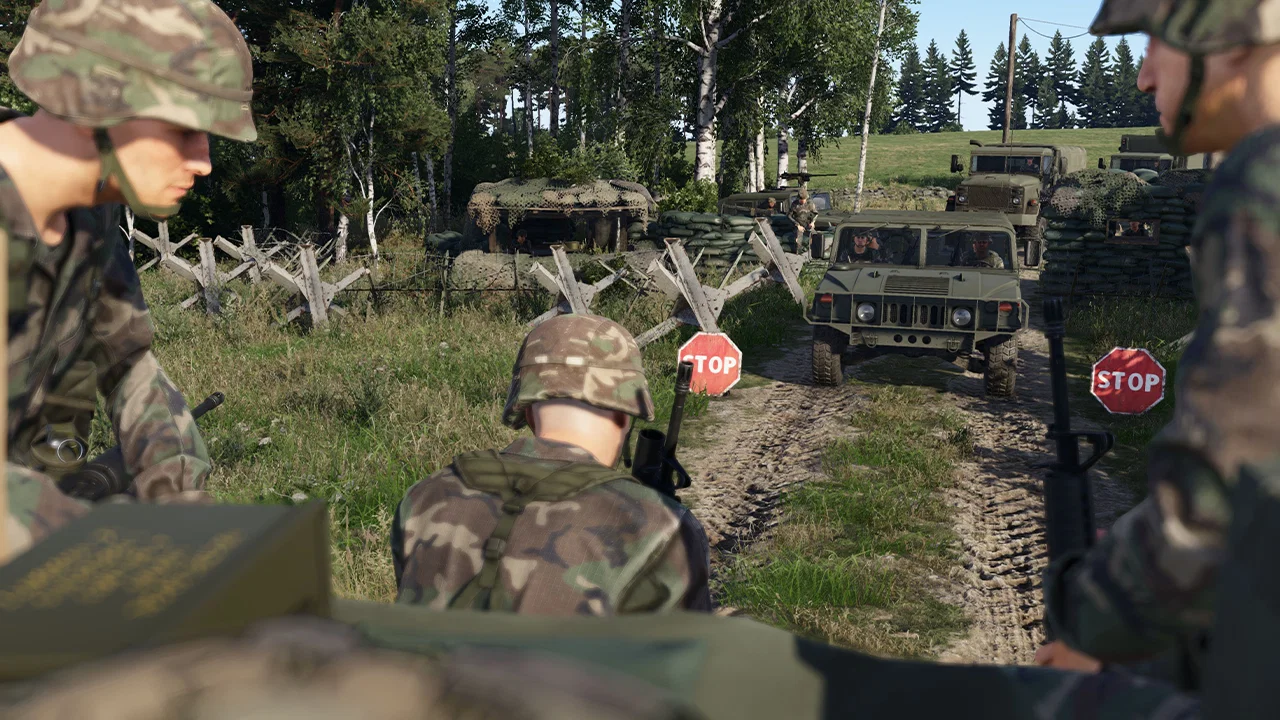
Arma Reforger is a military simulation game developed by Bohemia Interactive, built on the new Enfusion engine. Set in 1989 during the Cold War, it takes place on the island of Everon (51 km²), inspired by a real Adriatic island. Additional official maps are Arland (16 km²) and Kolguyev (35 km²). Arma Reforger features realistic combat mechanics, vehicle warfare, an extensive modding ecosystem via Steam Workshop, and large-scale multiplayer battles supported by dedicated servers.
Running a dedicated Arma Reforger server gives you full control over the mission, mods, difficulty settings, and player experience. Whether you are hosting a small cooperative session or a large-scale multiplayer conflict, a dedicated server ensures stable performance and low latency for all participants.
What This Wiki Covers
This wiki provides everything you need to set up and manage your Arma Reforger server at RespawnHost:
| Article | Content |
|---|---|
| Server Setup | Creating your server, selecting a location, first launch |
| Configuration | server.json settings, difficulty, BattlEye, player management |
| Mods | Steam Workshop integration, load order, popular mods |
| Missions and Scenarios | Built-in scenarios, custom missions, scenario rotation |
| Performance | Hardware requirements, optimization, headless client |
Quick Start
- Order your Arma Reforger Server Hosting plan from RespawnHost.
- Choose a server location closest to your players (Frankfurt, Salt Lake City, Charlotte or Noida).
- Start the server from the panel. It will generate a default
server.jsonconfiguration file. - Configure your server name, password, and mission via the configuration editor.
- Add mods from Steam Workshop if desired.
- Restart the server and connect through the in-game server browser.
Server Packages
RespawnHost offers Arma Reforger server hosting with six packages ranging from Recruit Starter to General Staff. All plans are available as a prepaid plan (30/90/180 days, running 24/7) or with pay-per-second billing where you only pay for the time your server is running. Servers are available in Frankfurt (EU), Salt Lake City and Charlotte (US), and Noida (India).
Key Technical Details
- Engine: Enfusion (Bohemia Interactive’s next-generation engine)
- Config file:
server.jsonin the server root directory - Default game port: 18574
- Steam query port: 18575
- Anti-cheat: BattlEye (configurable)
- Mod support: Steam Workshop
- Platform: PC and Xbox (cross-platform configurable)
Frequently Asked Questions
Can I run Arma Reforger on a shared hosting plan?
No. Arma Reforger servers are resource-intensive and require dedicated resources. RespawnHost allocates guaranteed CPU and RAM to each instance.
Do players need to own Arma Reforger to join my server?
Yes. Every player must own a licensed copy of Arma Reforger on Steam or the Microsoft Store to connect to a server.
Can I transfer my existing server to RespawnHost?
You can back up your server.json configuration and any custom scenario files, then upload them to your new RespawnHost server through the file manager or SFTP.
Does RespawnHost support Steam Workshop mods?
Yes. You can install any Steam Workshop mod by adding its Workshop ID to your server configuration. See the Mods Guide for detailed instructions.
What locations are available?
RespawnHost offers Arma Reforger servers in Frankfurt, Germany, Salt Lake City and Charlotte, United States, and Noida, India. Choose the location closest to the majority of your players for the best experience.
How do I become a server admin?
Set the adminPassword field in your server.json file. You can then authenticate in-game using the chat command #login [password] to access admin commands.
Your own Arma Reforger server?
At 3 hours a day that is about €7.76 a month. Billed by the second: server off, costs off.
- No subscription, no minimum term
- Balance does not expire while your account exists
- Online in under 90 seconds