

Wiki & Guides
Windrose
Pirate Survival · Co-op · Kraken Express · Kraken Express, Pocketpair Publishing
Windrose co-op & multiplayer explained
How co-op works in Windrose: invite codes, hosted world vs. dedicated server, player count (max 8) and why a dedicated server keeps your world online 24/7.
Last updated July 16, 2026 · RespawnHost
On this page
How does co-op work in Windrose?
Windrose plays solo offline or in online co-op — with a maximum of 8 players per world. For the best performance the developers explicitly recommend up to 4 players, especially later in the game. There’s no public server browser: connections always go through an invite code.
There are two ways to play together:
| Route | How it works | Catch |
|---|---|---|
| Hosted world (“Host a game”) | One player hosts straight from the game. Others join with an invite code. | The world only exists while the host is online. If the host leaves, no one can keep playing. |
| Dedicated server | A standalone server that runs independently of any player. | Needs hosting — done in 90 seconds at RespawnHost. |
Hosted world: quick, but tied to the host
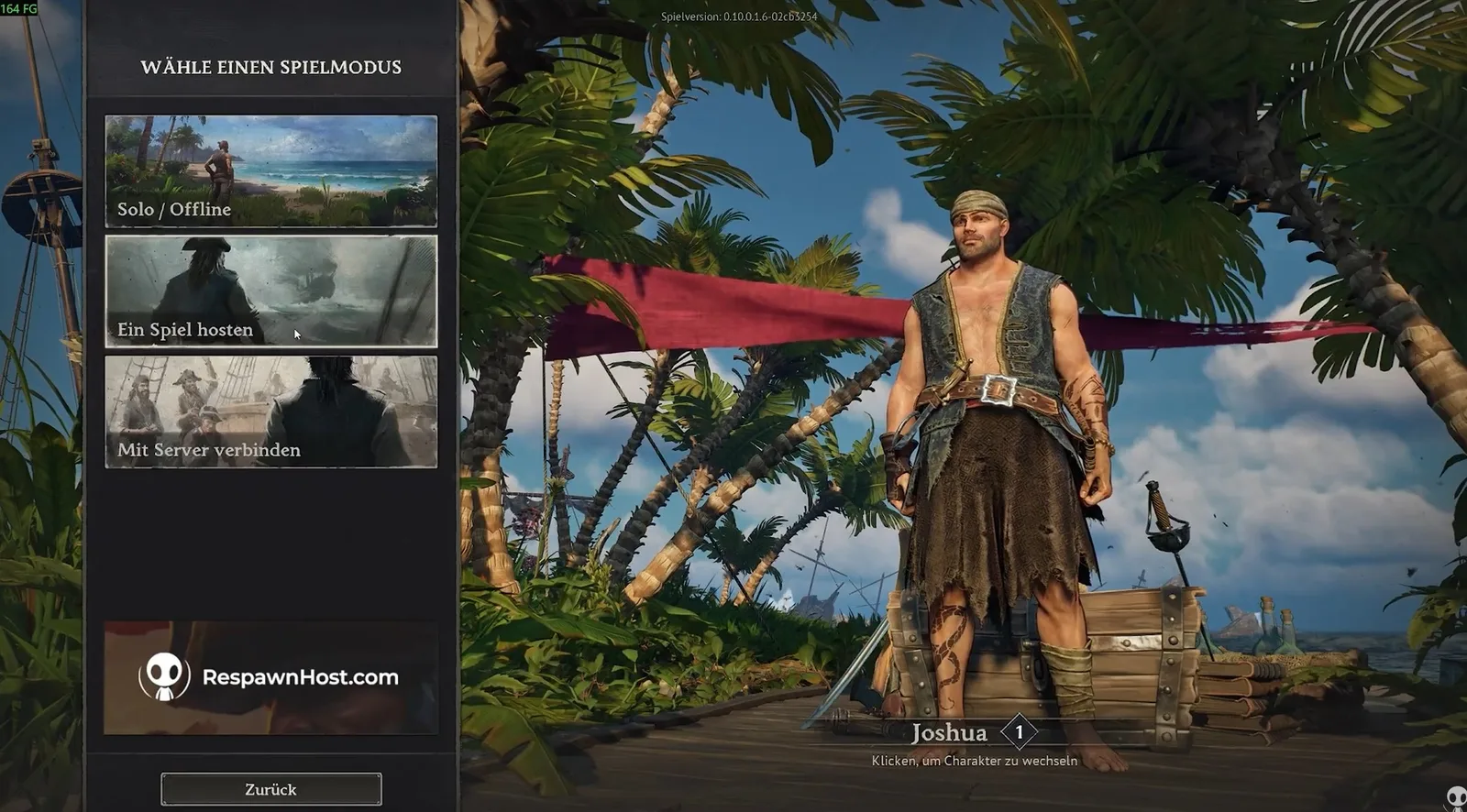
In the Play menu, choose “Host a game” instead of “Solo/Offline”, then open an existing solo world or create a new one. Here you also set the difficulty and world options. The game generates an invite code you share with your crew. Your friends pick “Connect to server” and enter the code.
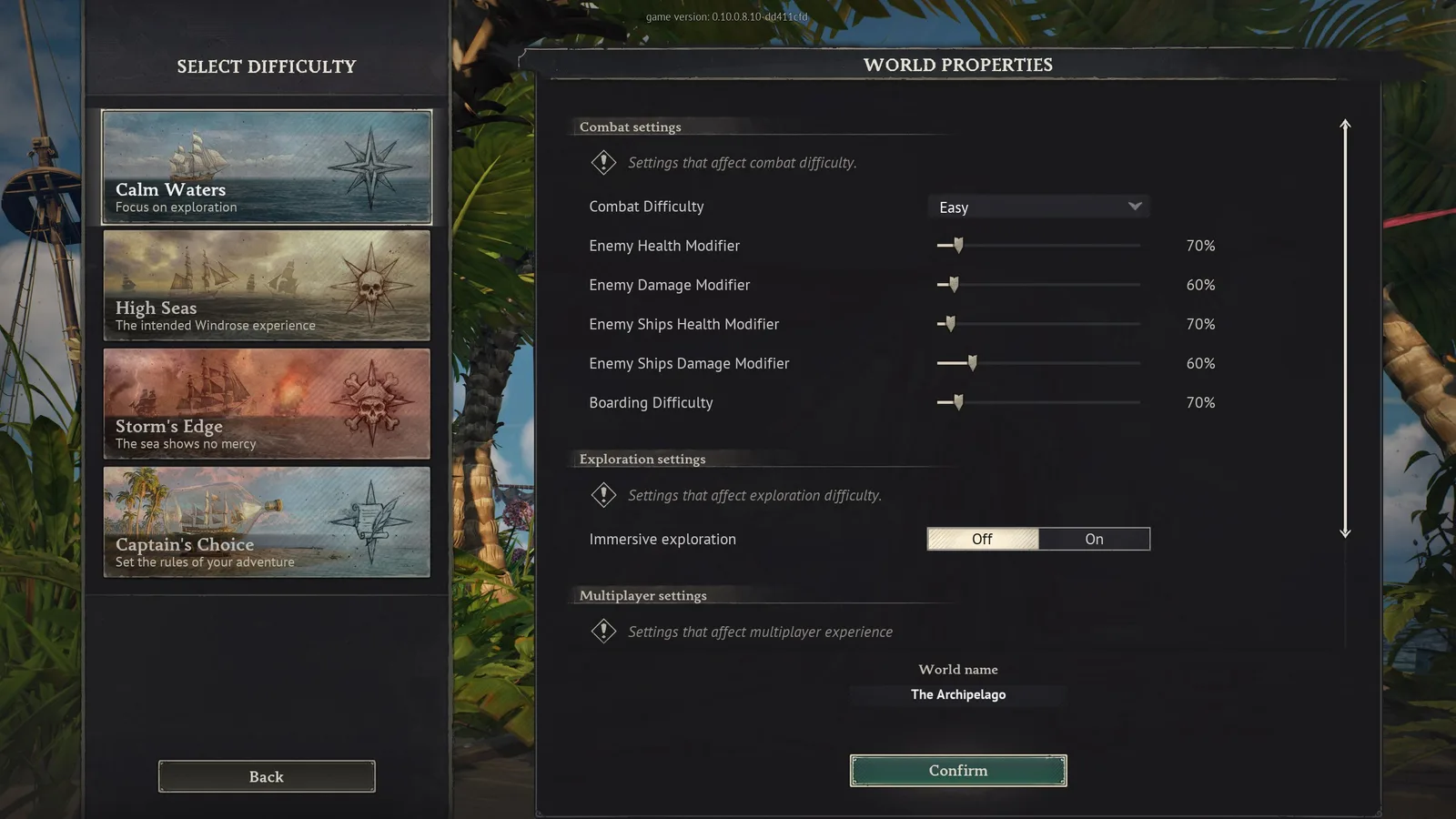
The downside is structural: when you host from the game, your PC is the server. The moment you close the game, the world is offline for everyone. For the occasional two-player session that’s fine — for a fixed crew that wants to sail at different times, it quickly becomes impractical.
Dedicated server: the world is always up
A dedicated server solves exactly this: the world runs around the clock, regardless of who’s online. No host player who kicks everyone out when they go to bed.
Windrose provides an official, free dedicated server tool for this (via SteamCMD, app ID 4129620) — but it’s Windows-only and takes some setup (SteamCMD, port forwarding, matching server version). The tool does not support fixed manual port selection.
The convenient route: rent a ready-made server at RespawnHost. You get your invite code, hand it to the crew, done — no SteamCMD, no router config.
Tip
With Pay-Per-Use at RespawnHost you only pay while the server runs. So you get the persistence of a dedicated server, but only the cost of your actual session hours — ideal for weekend crews.
How your friends join
- The server owner shares the invite code (and a password, if set).
- Everyone opens “Connect to server” in the Play menu and enters the code.
- The game remembers servers you’ve joined — next time just pick it from the list.
Frequently asked questions
How many players fit on a Windrose server? A maximum of 8. The developers recommend up to 4 concurrently for optimal performance.
Is there crossplay? No — Windrose is currently Windows-PC only. There’s no console or Mac version, so crossplay is moot for now.
Can I keep playing my solo world with friends? Yes. You can open an existing solo world as a hosted world — or move it to a dedicated server so it stays online permanently. See Transferring your save for how.
Why can’t my friend find a server browser? Because there isn’t one. Windrose servers are private and joined only via the invite code.
Related guides
- Creating and setting up a server — a dedicated server in 90 seconds
- Transferring your save — move a solo/hosted world to the server
- How much RAM do I need?
Your own Windrose server?
At 3 hours a day that is about €4.54 a month. Billed by the second: server off, costs off.
- No subscription, no minimum term
- Balance does not expire while your account exists
- Online in under 90 seconds