

Wiki & Guides
Valheim
Survival · Viking · Iron Gate Studio · Coffee Stain Publishing
Valheim Admin Commands & Console: The Complete Guide
Become admin via adminlist.txt, open the console and use the real server admin commands (kick, ban, unban, banned) — plus the clear line between them and cheats/devcommands.
Last updated July 15, 2026 · RespawnHost
On this page
Becoming admin on a Valheim server
You get admin rights on a dedicated server via the file adminlist.txt — not via an in-game password like in some other games. The file takes one player ID per line, with no extra text.
Here’s how in the RespawnHost panel:
- Open the file manager (or connect via SFTP) and find
adminlist.txtin the server directory (Valheim config folder). - Enter the player’s platform ID — one per line.
- Save and restart the server.
Note
Which ID? On a Steam-only server it's the SteamID64 (17-digit, decimal). With crossplay enabled, use the ID the game shows: in-game via the F2 panel or in the server log (e.g. Xbox_… or a PlayFab ID). The platform ID shown in the F2 panel/log always works.
Ban list and whitelist
Alongside adminlist.txt, the same folder holds:
bannedlist.txt— banned players (one ID per line).permittedlist.txt— whitelist. Careful: as soon as there is even one entry, everyone else is locked out — the server becomes whitelist-only.
Opening the console
To type admin commands in-game, you need the console:
- Add the launch option
-consoleto Valheim’s Steam launch options. - In-game, open the console with F5.
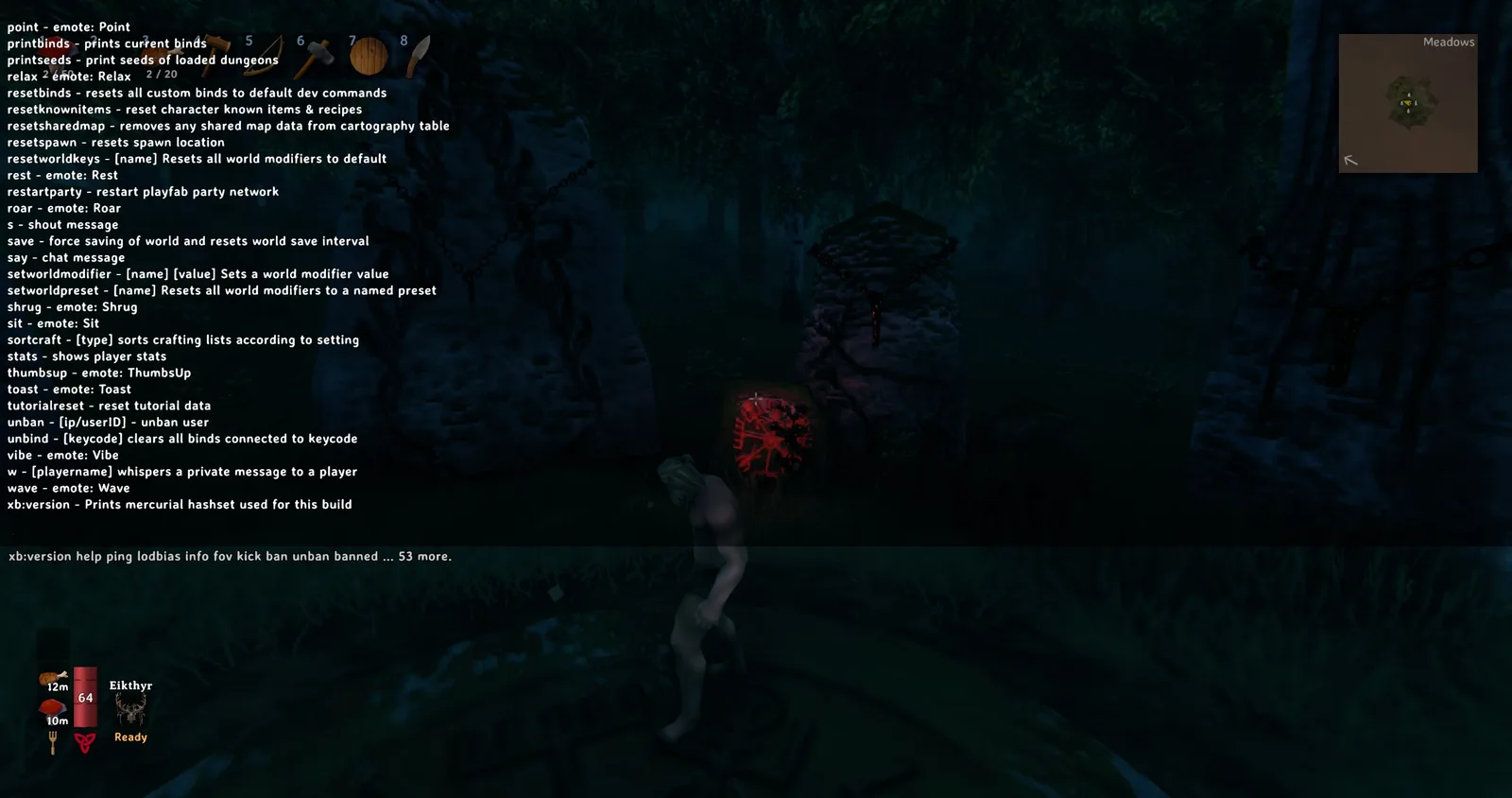
kick, ban, unban, bannedThe real server admin commands
These commands work once your ID is in adminlist.txt — including remotely on the dedicated server. Source: official Valheim server documentation.
| Command | Effect |
|---|---|
kick [name/ip/id] | Kick a player from the server |
ban [name/ip/id] | Ban a player |
unban [name/ip/id] | Lift a ban |
banned | Show the list of banned players |
There are also general console commands like save (save the world immediately), ping and info (performance info). At RespawnHost, saving happens automatically anyway via the backup/save interval.
Tip
Kicks and bans can also be done conveniently in the panel under Players at RespawnHost — no console needed.
Important: admin ≠ cheats
A common misconception: admin rights do not unlock cheat commands. The well-known cheats like god, fly/debugmode, spawn or tod belong to devcommands — and those work natively only in single-player or a self-hosted game, not on a dedicated server.
To use such commands on your dedicated server, you need the Server Devcommands mod (see installing mods). Without it, devcommands does nothing on the server — regardless of whether you’re admin.
Common misinformation
- “Always use the SteamID64 in
adminlist.txt” — not universally correct. With crossplay, use the platform ID from the F2 panel/log. - “As admin I can use
spawn/godon the server” — false, unless the Server Devcommands mod is installed. lodbiasis a purely graphical client command, not a server tool.
Related guides
- Renting & setting up a server
- Configuring your server — world modifiers instead of cheats
- Installing mods — including Server Devcommands
No server yet? Rent a Valheim server — online in under 90 seconds.
Your own Valheim server?
At 3 hours a day that is about €2.27 a month. Billed by the second: server off, costs off.
- No subscription, no minimum term
- Balance does not expire while your account exists
- Online in under 90 seconds