How do I configure an Enshrouded dedicated server?
The heart of every Enshrouded server is the enshrouded_server.json file. At RespawnHost you manage the key values comfortably in the web interface — and if you want to go deeper, you can edit the file directly via SFTP. The most important settings at a glance:
By the way, a server password is optional: leave the field empty and your server is open — instead, userGroups let you hand out separate passwords per role, for example one for admins and one for guests. You can also upload your local savegame to the server via SFTP at any time and continue seamlessly.
- slotCount: Maximum number of players, the game's hard cap is 16
- queryPort: Default port 15637 — preconfigured on our servers, no port forwarding needed
- gameSettingsPreset: Difficulty as a preset — Default, Relaxed, Hard, Survival, or Custom
- gameSettings: The Custom preset unlocks around 40 individual values, e.g. enemyDamageFactor, dayTimeDuration, resourceDropStackAmountFactor, or tombstoneMode
- userGroups: Up to 10 roles, each with its own password and permissions like canKickBan, canEditBase, and reservedSlots
- enableVoiceChat / voiceChatMode: Built-in voice chat, either Proximity (audible only nearby) or Global
Enshrouded 1.0: What does the release mean for your server?
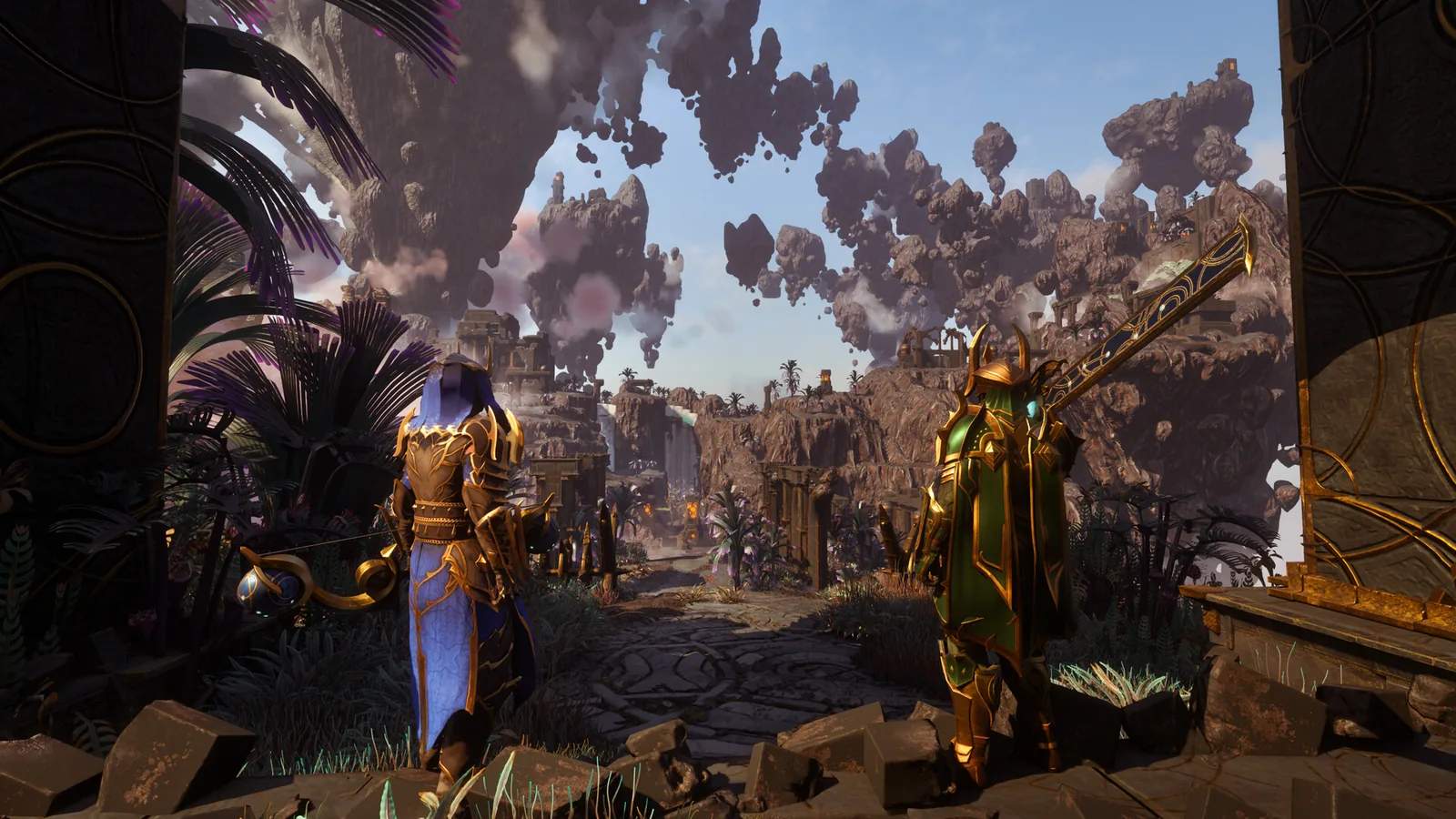
Keen Games took Enshrouded out of Early Access on October 15, 2026. Version 1.0 is out for PC (Steam) and PS5 with the new region Cinder's Cradle, the Sparkworks logic system, reworked combat with new spells and a level cap of 50. Crossplay between PC and PS5 is not available yet.
For your server at RespawnHost this means: the update installs automatically on the first restart after the release. According to Keen Games, Early Access worlds carry over and are converted to a new save format. Create a backup in the panel with one click before that restart. You can find all details in our wiki article on Enshrouded 1.0.
Last revised: September 27, 2026